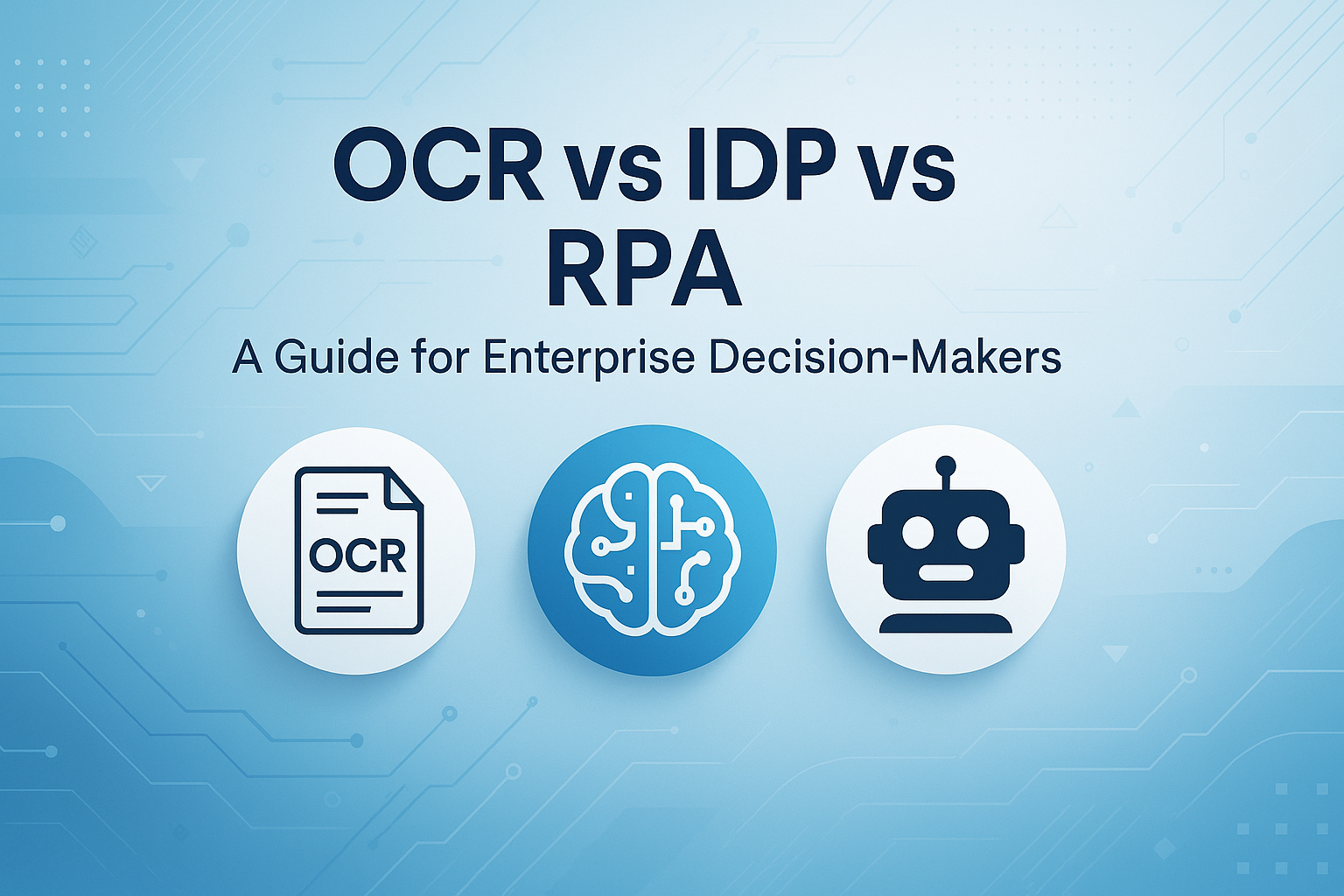
 OCR vs IDP vs RPA: A Guide for Enterprise Decision-Makers
When to use which (and why most enterprises choose wrong)
A practical guide for CIOs, IT Directors, and Business Leaders evaluating automation technologies
The Problem Nobody Talks About
Why enterprises keep choosing the wrong technology
A CFO walks into a vendor meeting and asks: "We need to process invoices faster. What do we need?"
The OCR vendor says: "You need OCR to extract the data."
The RPA vendor says: "You need RPA to automate the workflow."
The IDP vendor says: "You need intelligent document processing."
All three are partly right. All three are mostly wrong.
The real problem: Most enterprise buyers don't understand what each technology actually does. They end up purchasing based on vendor relationships or buzzwords, then discover six months later that their "automated" process still requires the same manual work.
This guide exists because choosing wrong is expensive. Not just in licensing costs, but in the months lost to implementation, the trust eroded when automation doesn't deliver, and the opportunity cost of solving problems that never needed solving.
What Each Technology Actually Does
Strip away the marketing. Here's what you're buying.
OCR (Optical Character Recognition)
What it does: Converts images of text into machine-readable text. Takes a picture of words and turns it into actual text data.
What it does NOT do: Understand what the text means. Know which numbers are important. Make decisions. Validate accuracy against business rules.
Think of OCR as: A scanner that can read. It tells you what the document says, not what it means.
Example: Scans "Invoice #12345, Total: $5,000" → Outputs the text string "Invoice #12345, Total: $5,000"
IDP (Intelligent Document Processing)
What it does: Understands documents. Extracts meaning, validates logic, flags anomalies, learns patterns. Combines OCR with AI to interpret what documents contain and what they mean for your business.
What it does NOT do: Execute actions in other systems. Click through applications. Orchestrate multi-step workflows outside of document analysis.
Think of IDP as: An analyst who reads documents. It understands context, spots problems, and prepares decisions.
Example: Reads invoice, extracts vendor/amount/terms, compares to PO, flags "Amount exceeds PO by 15%", routes for approval
RPA (Robotic Process Automation)
What it does: Mimics human actions on computers. Clicks buttons, copies data between screens, follows if-then rules, orchestrates workflows across applications. Does what a person would do, but faster and without mistakes.
What it does NOT do: Read unstructured documents. Make judgment calls. Understand context. Handle true variability without explicit rules.
Think of RPA as: A digital worker following instructions. It executes tasks perfectly but doesn't think.
Example: Takes extracted invoice data, logs into AP system, enters values into correct fields, clicks Submit, sends confirmation email
Side-by-Side: When Each Technology Works
The decision matrix you actually need
Pattern Recognition:
• If the problem is "read this text" → OCR
• If the problem is "understand this document" → IDP
• If the problem is "do this repetitive task" → RPA
Real Scenarios: What Actually Works
Learn from what others got wrong (so you don't have to)
Scenario 1: Processing 10,000 invoices monthly
Finance team receives invoices in multiple formats (PDF, scanned images, email attachments). Need to extract data and route to AP system.
❌ Wrong Choice: OCR alone
Extracts text but cannot interpret invoice structures, handle variations, or validate against purchase orders.
✓ Right Choice: IDP
Understands invoice semantics, validates line items, flags discrepancies, learns from variations.
💡 Consider Adding: RPA for routing
After IDP processes, RPA can move approved invoices into ERP without manual transfer.
Scenario 2: Digitizing historical archives
Converting 50,000 paper personnel files from 1980-2020 into searchable digital records.
❌ Wrong Choice: IDP
Overkill for static documents that just need text extraction. No decisions to make.
✓ Right Choice: OCR
Simple text extraction is sufficient. Documents are historical records, not active decision inputs.
💡 Consider Adding: Basic automation
Simple scripts to organize files after OCR, but full RPA would be excessive.
Scenario 3: Onboarding new customers
Collect ID documents, verify information, create accounts in 3 systems, send welcome emails.
❌ Wrong Choice: IDP alone
IDP handles documents well but cannot execute the multi-system orchestration.
✓ Right Choice: IDP + RPA
IDP extracts and validates identity documents; RPA orchestrates account creation across systems.
💡 Consider Adding: API integration
If systems have APIs, direct integration is cleaner than RPA for system-to-system tasks.
Scenario 4: Contract review and approval
Legal team reviews 200 supplier contracts monthly. Need to flag risky clauses, extract key terms, route for approval.
❌ Wrong Choice: RPA
RPA can route documents but cannot understand contract language or assess risk.
✓ Right Choice: IDP
Interprets contract language, identifies non-standard clauses, compares against templates, flags exceptions.
💡 Consider Adding: RPA for notifications
After IDP analysis, RPA can send alerts and track approval workflows.
Scenario 5: Copying data between legacy systems
Daily task: pull data from System A screens, reformat, enter into System B. Pure repetitive clicking.
❌ Wrong Choice: IDP
No documents to process. This is screen-based, structured data transfer.
✓ Right Choice: RPA
Designed exactly for this: mimicking human UI interactions between systems without APIs.
💡 Consider Adding: Direct integration
Always check if systems have APIs or database access first. RPA should be last resort for system integration.
When to Combine Technologies
The 80% of enterprise cases that need more than one
Most enterprise automation needs aren't pure use cases. They're workflows that touch documents, systems, and decisions. Here's when technologies work better together:
Classic Combination: IDP + RPA
Use case: Invoice processing end-to-end
1. IDP: Receives invoice (email/scan), extracts vendor, amount, line items, validates against PO
2. IDP: Flags discrepancies, routes exceptions to approvers
3. RPA: Takes validated data, logs into AP system, creates invoice record
4. RPA: Updates procurement system, sends confirmation to vendor
Why both: IDP handles document variability and validation. RPA handles system orchestration. Neither can do the other's job well.
OCR as IDP Foundation
Modern IDP platforms include OCR as a component, not a separate purchase. If a vendor is selling you "OCR + IDP," they're just selling IDP with extra steps.
Decision rule: If documents have text that needs understanding (not just extraction), skip OCR-only solutions entirely. Start with IDP, which includes OCR capability.
When RPA + APIs Beat RPA Alone
RPA clicks through UIs. APIs connect systems directly. If a system has an API, use it instead of RPA.
Reality check: Most enterprises have 3-5 systems with APIs and 20-30 without. Use APIs where possible, RPA where necessary. Don't use RPA just because you already licensed it.
Warning: Avoid "Platform Sprawl"
Buying separate OCR, IDP, and RPA platforms from different vendors creates integration overhead. Look for vendors who offer complementary capabilities or have proven integration partnerships.
The Questions That Reveal the Truth
What to ask vendors (and yourself) before buying
Questions to Ask ANY Automation Vendor:
"Show me what happens when your system encounters something it hasn't seen before."
Good answer: Demonstrates graceful degradation, human review queues, confidence scores.
Bad answer: "Our system handles everything automatically."
"What percentage of our documents will still need human review?"
Good answer: Honest estimate based on document variability (usually 5-20% initially).
Bad answer: "Nearly zero" or "Depends how much you spend."
"How does this integrate with our existing systems?"
Good answer: Specific technical approach (APIs, connectors, RPA layer) with examples.
Bad answer: "We integrate with everything" (meaningless).
"What happens during system updates or when our forms change?"
Good answer: Describes retraining process, version control, testing approach.
Bad answer: "The AI adapts automatically" (rarely true).
Questions to Ask Yourself:
- Do we actually need to process documents, or do we need to move data between systems?
- Are our documents predictable (same format every time) or variable?
- Do we need interpretation and validation, or just extraction?
- Who will maintain this after implementation? (If answer is "IT will figure it out," you're not ready.)
- What's the actual cost of errors? (This determines how much accuracy you truly need.)
The Five Mistakes Enterprises Make
Patterns that repeat across industries
1. Buying OCR When They Need IDP
Symptom: "We implemented OCR but still need people to review everything manually."
Reality: OCR only extracts text. If your documents vary or require validation, you need IDP. Starting with OCR means re-implementing later.
2. Buying RPA for Document Processing
Symptom: "Our RPA bots keep breaking whenever invoice formats change slightly."
Reality: RPA follows rigid rules. Documents are rarely rigid. Use IDP for documents, RPA for system orchestration.
3. Expecting 100% Automation Immediately
Symptom: "The vendor said this would eliminate manual work, but we're still doing reviews."
Reality: Mature automation starts at 70-80% straight-through processing and improves with learning. Perfect automation of variable documents is a fantasy.
4. Ignoring the Integration Problem
Symptom: "The tool works great in the demo environment but we can't connect it to our systems."
Reality: 60% of implementation effort is integration, not the automation itself. Evaluate integration complexity before purchasing.
5. Choosing Technology Before Understanding the Process
Symptom: "We bought the platform but aren't sure what to automate first."
Reality: Technology should follow process understanding, not lead it. Map what humans do and why before automating anything.
The Decision Framework
A simple way to choose correctly
Use this flowchart logic to determine what you actually need:
1
Does your problem involve documents?
→ NO: Not OCR or IDP. Consider RPA for repetitive tasks, or APIs for system integration.
→ YES: Continue to step 2.
2
Do the documents vary in format or content?
→ NO (identical forms/templates): Simple OCR might work if you only need text extraction.
→ YES: Continue to step 3.
3
Do you need to understand, validate, or make decisions based on the content?
→ NO (just extract and store): OCR is sufficient.
→ YES: You need IDP. Continue to step 4.
4
After processing documents, do you need to update multiple systems or orchestrate workflows?
→ NO: IDP alone is likely sufficient.
→ YES: You need IDP + RPA (or IDP + API integration if systems have APIs).
Quick Reality Check:
• If you're processing invoices, contracts, or forms with variation → IDP
• If you're digitizing identical historical archives → OCR
• If you're copying data between system screens → RPA
Executive Takeaway
What actually matters
The technology you choose matters less than understanding what problem you're solving.
Three rules that prevent expensive mistakes:
1. Document variability determines technology. If every document looks different, OCR alone will fail. If documents are identical, IDP is overkill.
2. Integration is harder than the automation. A tool that processes documents perfectly but can't connect to your systems is worthless. Evaluate integration complexity first.
3. Aim for 80%, not 100%. Perfect automation doesn't exist for variable documents. Systems that achieve 80% straight-through processing with reliable exception handling beat systems that promise 100% and deliver 40%.
The enterprises that succeed with automation don't start by choosing technology. They start by mapping their documents, understanding variability, and identifying where human judgment actually adds value.
Only then do they choose tools. And when they do, the choice is usually obvious.
Final Recommendation
Before any vendor meeting: Document your top 5 document-heavy processes. Note format variability, validation requirements, and downstream systems. Bring this to vendors and ask them to map their solution to YOUR workflows, not their generic use cases. If they can't, walk away.
About This Guide
This guide is vendor-agnostic and focuses on helping you understand what each technology actually does, not which brand to buy. The goal is to prevent the expensive mistake of implementing the wrong automation approach because you were sold on buzzwords instead of capabilities.